Track jobs and snagging directly on the drawing.
Upload drawings, pin jobs and snags to their exact location, then group rooms and zones into areas the team can filter and work from.
Explore site management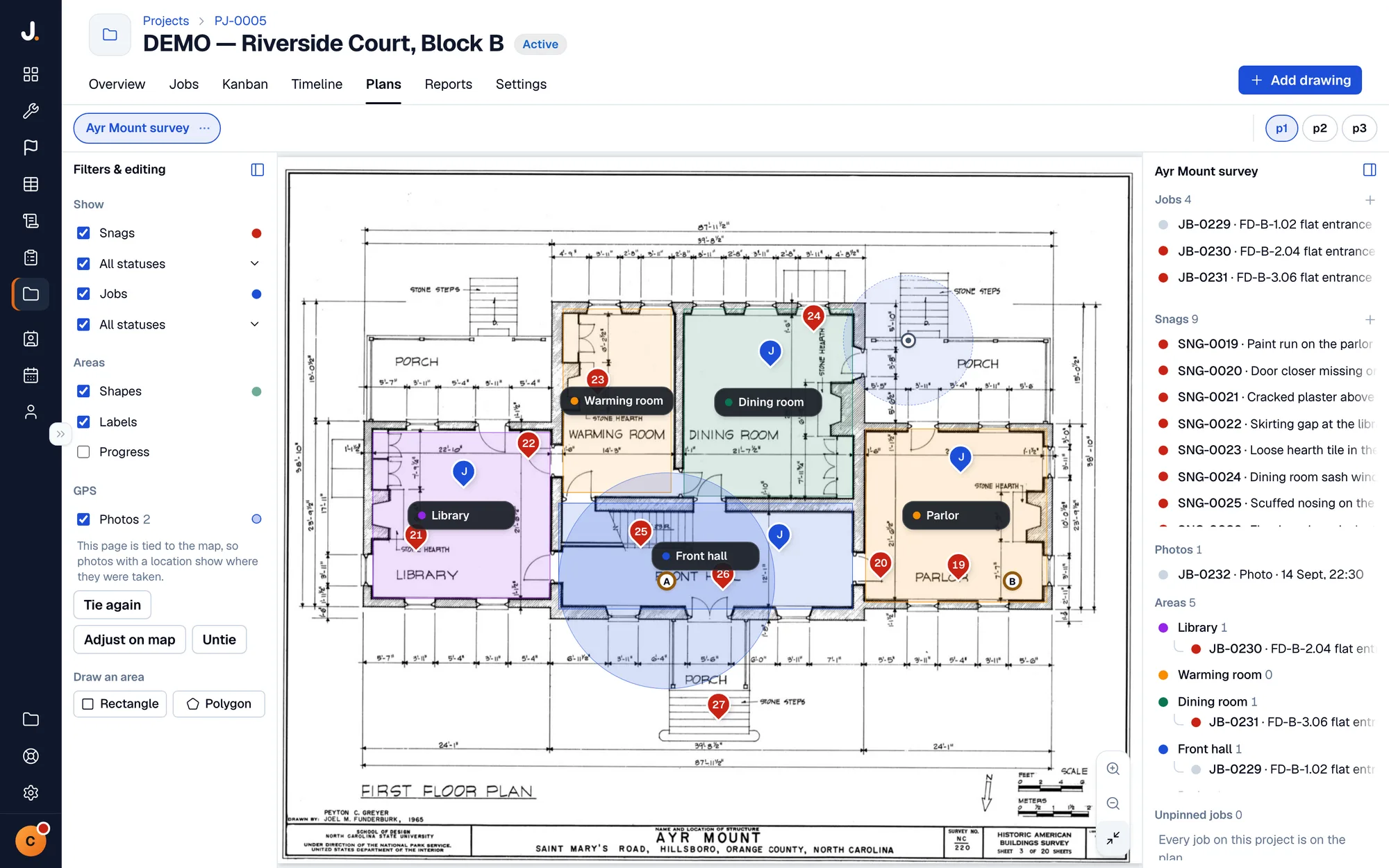
Quotes, invoicing, job costing, payments and financials — built for sole traders and small businesses, with Xero and QuickBooks sync.

Quotes to cash, on one system.
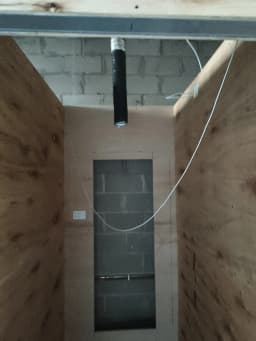
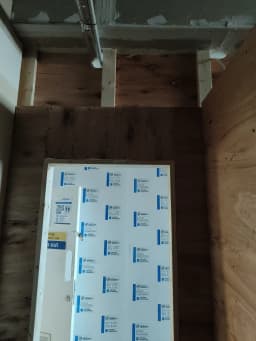
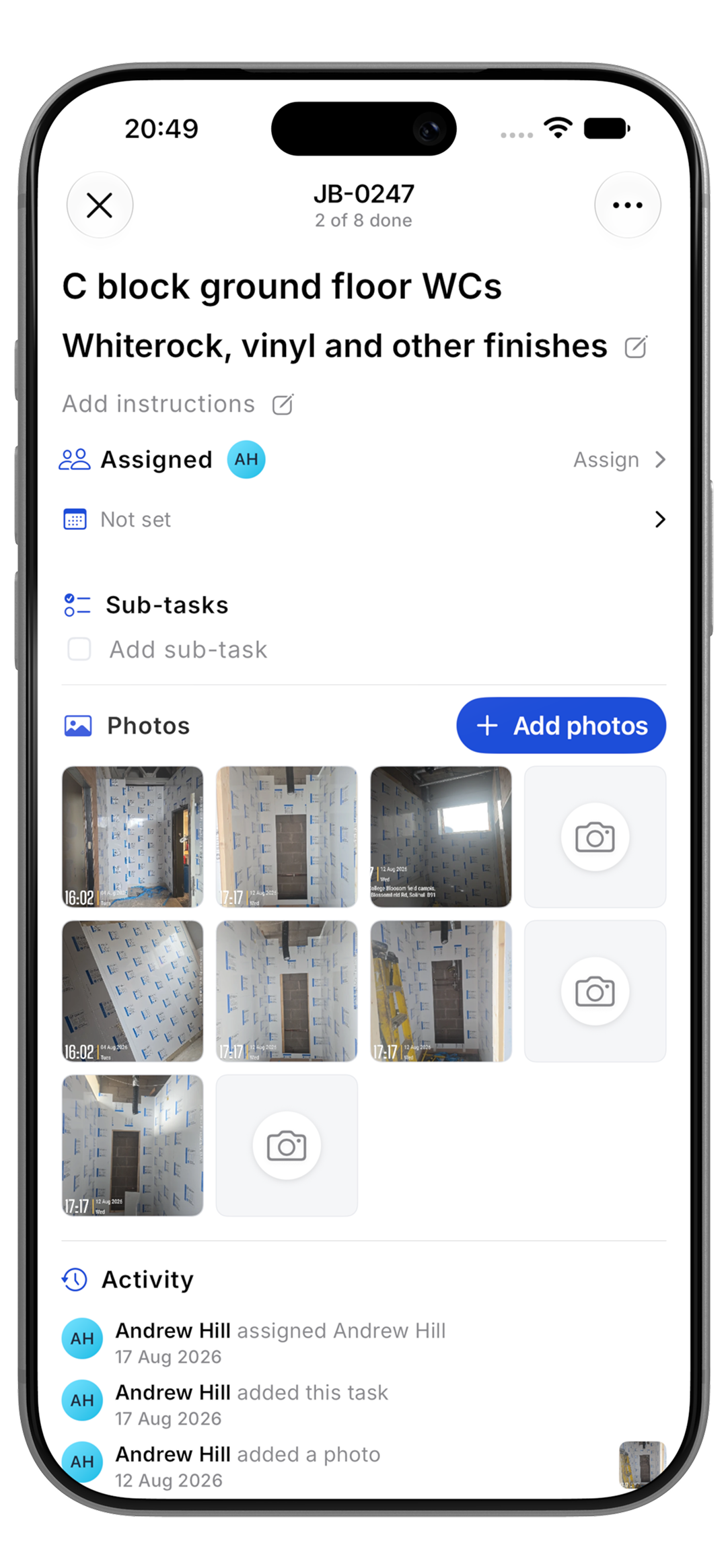
Assign the work, the team completes tasks on site, and photo evidence is captured on the mobile app as they go.
Explore job sheetsJob sheet · JB-0262
Conservatory new build
The Whitfields · 5 sub-jobs · 45 tasks
Job · JB-0248
Boiler service
14 Oak Street · Today, 10:30
Manage work from drawings and keep evidence against the correct job and task.
Upload drawings, pin jobs and snags to their exact location, then group rooms and zones into areas the team can filter and work from.
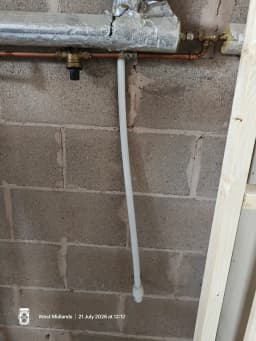
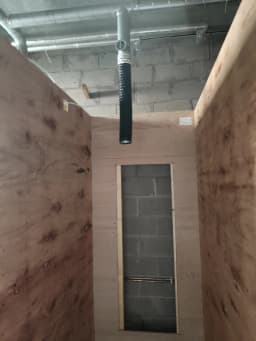
Explore site managementPhoto evidence is timestamped and located against the right step. Raise, assign and verify a snag without losing its context.
Explore photo evidence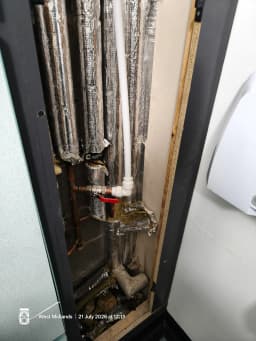













Store customers and sites, book appointments and keep the day's work on one calendar.
Choose the customer, describe the plumbing query, pick the time and tell them what to expect. The appointment creates the job record behind it.
ExploreKeep every customer and site together with their contact details, booked visits, job history, documents and payment record.
ExplorePlan site visits alongside work, then send confirmations and a 24-hour reminder so customers know who is coming and when.
ExploreSee open quotes, payments due and overdue balances on each customer record, then follow up before cash flow slips.
ExploreFollow a real job through Jobivo — every stage at a glance.
The phone rings — log the lead in seconds with the address and what's needed, then book the viewing straight onto the calendar. Spec it on site, then cost and quote from the same record.
Explore the CRM →Build the price from your own price book — materials, labour, hire. Set the markup and the sell price and margin work themselves out.
Explore job costing →One tap turns the costing into a branded quote. The customer accepts or declines online and you're notified the moment they respond.
Explore quotes →Drop the accepted job onto the week and assign the team. Everyone's notified the moment it lands, and the day shows on their own list of work.
Explore the schedule →Build the template once and every job follows it, step by step. Every task holds its own photos, timestamped and GPS-located. Offline on site, syncs in the van.
Explore job sheets →Every photo is timestamped, GPS-tagged and filed by task — not lost in a camera roll. Review the whole record step by step, or download the lot for the customer.
Explore photo evidence → 14:48
14:48 14:50
14:50 14:52
14:52No re-typing. Send it with a pay-now link or take the card on site with Tap to Pay — then it books itself into Xero or QuickBooks, and you see the margin you actually made.
Explore invoices →Also included: compliance and certificates, purchase orders, inventory, price books, expenses and suppliers.
Complete work, capture proof and keep jobs moving from site — without returning to your desk.
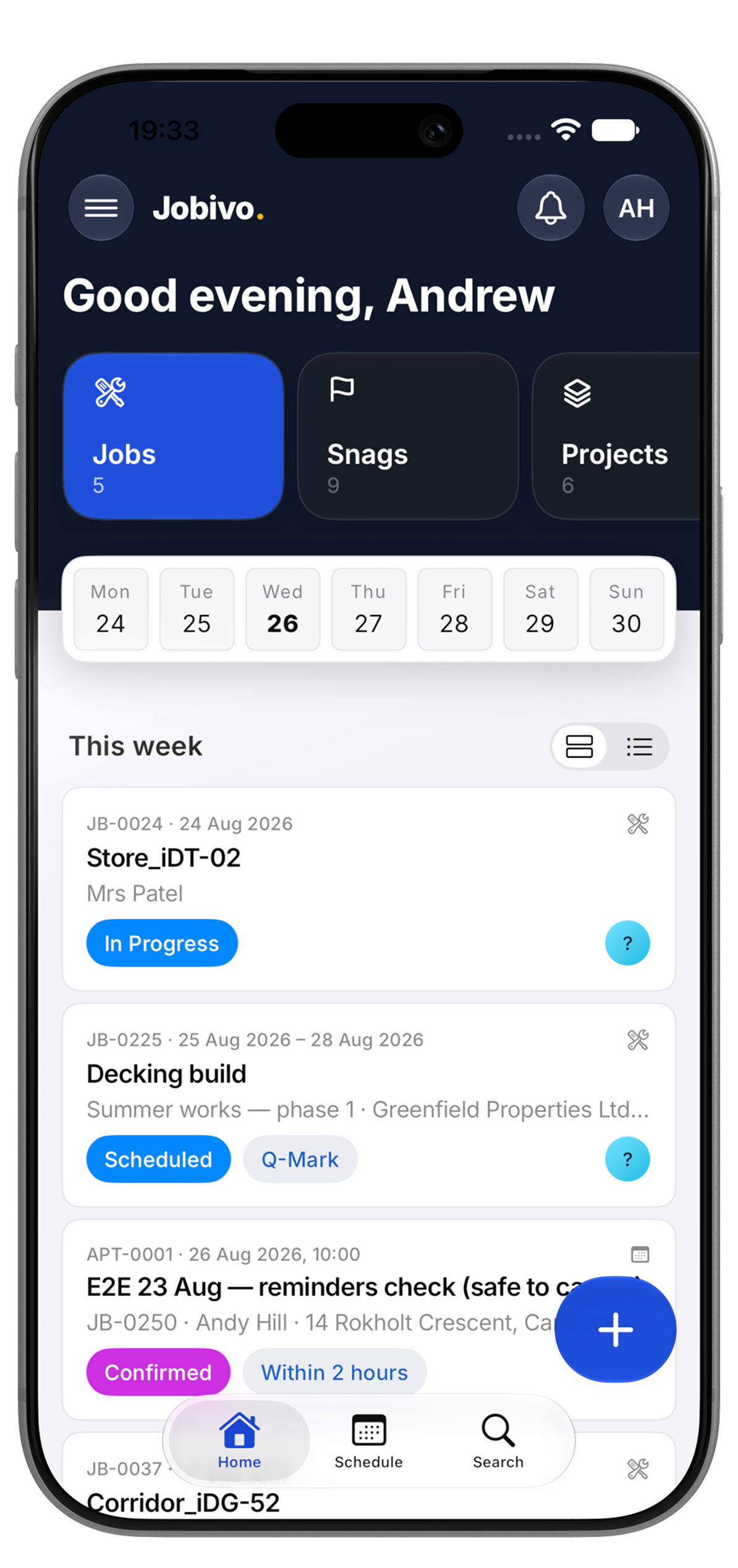
Open today’s jobs, complete tasks and capture photo evidence as you go.
Attach proof, assign the fix and track it through to completion.
Set up jobs and customers, book visits and assign work — online or offline.


Payments, accounting and AI analysis stay connected to the job record.

Connect your Stripe account for online invoice payments and Tap to Pay. Payments, refunds and payouts remain attached to the right invoice and job.

Invoices, customer contacts and payment records sync to Xero as you raise them, with tax rates and totals carried across automatically.

Sync invoices, customers and payments with QuickBooks Online so the accounts record follows the work completed in Jobivo.

Add Jobivo’s read-only MCP server in ChatGPT to ask for reports and analysis using the business data you have access to.

Connect Jobivo’s read-only MCP server in Claude for custom reports and analysis without exporting data into spreadsheets.
No card required. Set up in minutes.
Jobivo is job management software for trades and contractors that runs the whole operation in one place — digital job sheets, photo evidence, scheduling, costing, quotes, invoices and card payments. It works on a web dashboard and on offline-first Android and iOS apps.
It's built for sole traders and small businesses who want less admin and a clear record of every visit, with Xero and QuickBooks sync so the books stay in step.
Jobivo is for trades and contractors — electricians, plumbers, roofers, builders, HVAC and property maintenance teams — from sole traders up to small businesses. Owners and office staff run the whole business, while engineers on the tools see only the jobs assigned to them.
It suits anyone who quotes, schedules and invoices site-based projects: a one-person outfit doing call-outs, a growing firm juggling several contracts at once, or an office coordinating a field team across the week.
Jobivo follows a piece of work from first enquiry to final payment. You log the lead and book a visit, price it from your own price book, send a quote the customer accepts online, drop it onto the schedule, and your team runs each call-out stage by stage on their phone — capturing the photos each stage requires.
Once it's finished the quote becomes the invoice with no re-typing, the customer pays by card, and the money reconciles itself. Every stage lands in one record, so nothing falls through the gap between the office and the van.
Yes — the Android and iOS apps are offline-first, so your team can work with no signal. On site with no coverage they can still open the day's tasks, tick off each stage, and capture timestamped, GPS-tagged photos; it all syncs the moment they're back in range, and the office sees progress update in real time.
Jobivo puts photo evidence, costing and payments in one system instead of spreading them across a diary, a spreadsheet and a separate accounts package. The proof of work builds itself as your team completes each stage, the margin is worked out before you quote, and invoices sync straight to Xero or QuickBooks — so the record is complete and the books stay right without double entry.
Last updated